Description
WebViewGold – Convert Website to App for Android. The WebView solution that just works.
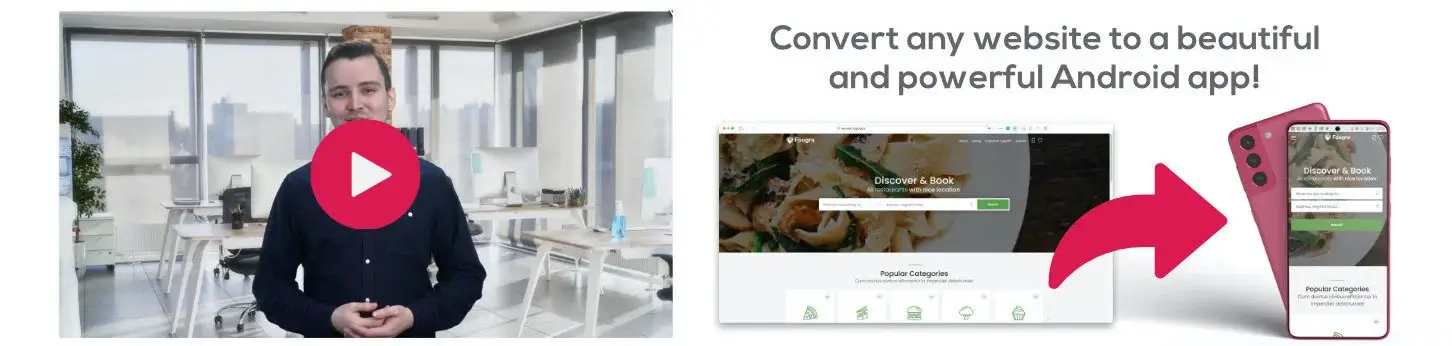
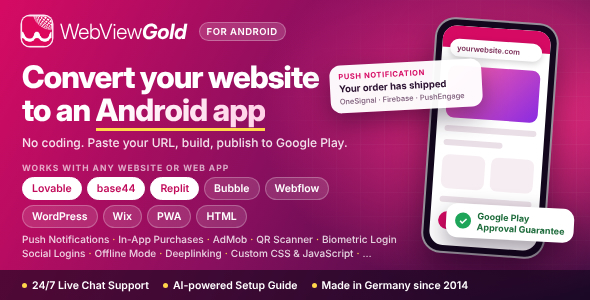
Let’s convert your websites and web apps into native apps for Android! Looking to convert a website to an app? WebViewGold is the fastest way to turn any website into an app – the proven website to app converter trusted by thousands of customers. No coding, no more plugins needed. It just works.
How it works: Use your mobile website or web app as the basis, and this Android Studio package (or use WebViewGold Cloud Builder instead; sold separately) wraps your content into a real, native Android app using an advanced WebView approach. An excellent approach to gain access to millions of Google Play Store customers.
Works with every web technology: This Android WebView app template supports all kinds of web apps/websites (including HTML, Lovable, base44, Replit, Figma Make, PHP, WordPress, Progressive Web Apps, HTML 5 Games, Wix, Jimdo, apprat.io, bubble, Webflow, …).
Perfect for no-code and AI app builders: Convert your Lovable app to an Android app, turn your base44 or Replit project into a Google Play Store app, or convert any website to an app – whether it was built with bubble, Webflow, Wix, or classic web technologies.
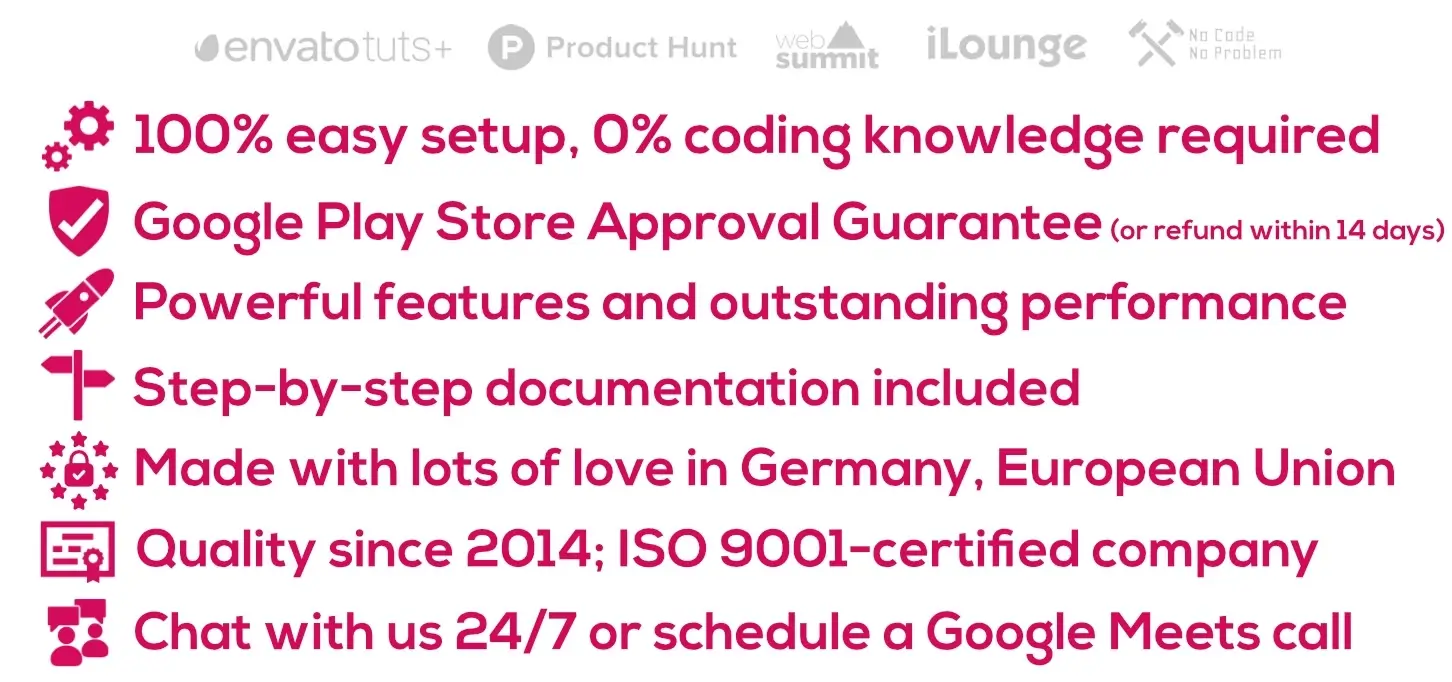
100% Google Play Store approval guarantee: Receive a full refund of your license if Google rejects your app built with WebViewGold (by claiming within 14 days after purchase).



Convert Your Website to an App – Setup & Publishing
- Full Android App Template – convert your website to an app with no coding required! #nocode
- Easy: Just define your URL (or your local HTML folder) and WebViewGold takes care of the rest!
- Works with any web app/website that works on Chrome browser – including no-code & AI-generated projects from Lovable, base44, Replit, bubble, Webflow, and more
- All kinds of web apps/websites supported (including HTML, PHP, Lovable, base44, Replit, WordPress, Progressive Web Apps, HTML 5 Games, …)
- Always up-to-date: All changes on your website are applied to your app automatically
- Submit your app to the Google Play Store easily with a step-by-step guide (or use our App Publishing Service or Cloud Builder; both sold separately)
- Compatible with WebViewGold Cloud Builder (sold separately)
- 100% ready for the latest Android versions & Google Play Target SDK requirements
- Regular SDK Updates (e.g., RevenueCat, OneSignal, Pushwoosh, and PushEngage)
- 24/7 Human Live Chat Support & AI-Searchable Documentation
- Free updates
Performance & Offline
- Optimized for exceptional performance & using powerful Chromium web engine
- Smart Performance Cache Mechanism
- Hardware Acceleration Options
- Full 16 KB Memory Page Size Support
- Offline Screen with “Try again” button if your app can’t connect to your URL (including reconnect:// link trigger)
- Optional fallback switch mode: Use local HTML folder if the user is offline, and use the remote URL if the user is online
- Auto-Refresh Option
- Your app built with WebViewGold will save all cookies (including login session cookies) until they expire (this is defined by your server/your site)
Push Notifications
- Push Notifications via JavaScript, Pushwoosh, Firebase, OneSignal, PushEngage, or bubble.io (with URL Deeplinking and Unique User Identification)
- Option to append individual push user IDs to the web page URL to assign unique push tokens to the user on the server side (e.g., ?user_push_id=XXX)
- Push In-App Messages Support
Design & User Interface
- Splash Screen (e.g., containing animated GIFs) with customizable minimum/maximum duration (or until page loads) and optional fade-out effect
- Native Loading Spinner/Android Activity Indicator while loading your URL
- Custom Navigation Footer & Drawer
- Custom Status Bar Background Color (including light/dark status bar text color options)
- Dynamic Status Bar Color API (change status bar color using JavaScript)
- Optional TRANSPARENT_STATUS_BAR option for true full-screen mode
- Dynamic UI API
- Dark Mode Handling Options (e.g., optional DISABLE_DARK_MODE flag and dark/light status bar text color switching)
- Pull To Refresh Functionality (including a dynamic API to enable/disable it via JavaScript)
- Swiping Navigation Functionality
- Optional Tab Functionality with additional In-App-Browser (by calling top.location or top.location.href links)
- Easy orientation settings (e.g., portrait, horizontal, automatic)
- Zoom Handling Options (including Custom Text Zoom Scaling)
- Input Scroll Helper
- Multi-Language Support: Provide app text strings in multiple languages and/or append the user system language to your WebView URL
- Native JavaScript Dialogs like alert(), confirm() and prompt()
- “First Run” Dialog (e.g., “Thanks for downloading this app!”)
- “Rate my app” Dialog
- “Follow on Facebook” Dialog
Monetization: In-App Purchases & Ads
- In-App Purchases & Subscriptions API (Extended License required; optionally, you can also connect to RevenueCat for easier handling of in-app purchases and subscriptions)
- In-App Payment Purchase History API – Retrieve the purchase history of your users’ in-app payments
- In-App Purchase Cancel API (cancelinapppurchase:// link trigger)
- Banner ads, Interstitial ads, & Rewarded ads by AdMob or Facebook Audience Network can be activated (including optional Ads after Screen Taps and specific link triggers for interstitial ads)
- Disable the AdMob ads when the user bought your In-App Purchase product
- Dynamic enableads:// and disableads:// Links
- Google AdSense Support
- Advertising ID Support
Native Device APIs
- Powerful QR Code Scanner API
- EAN Barcode Scanner
- Built-in Document Scanner powered by ML Kit (optional, can be enabled/disabled)
- Built-in Printer Support
- Health Connect Read/Write Functionality (returns today’s values for a set number of records/keys)
- NFC (Near Field Communication) integration possible (sold separately)
- Native Video with Picture-in-Picture (PiP) API
- Native Sharing Dialog API
- ShareIntent API
- Contacts API
- Clipboard API
- Flashlight API
- Haptic Feedback API (Vibration)
- Take Screenshot API
- App Version Check API
- UUID API
- Retrieve a UUID/Universally Unique Identifier via JavaScript easily
- readvalue:// and writevalue:// Triggers – read and write app settings via JavaScript in the WebView
- settingsapp:// Link – open your app’s Android system settings directly via link trigger
- Option to prevent the device from going to sleep mode while the app is active
Media, Uploads & Downloads
- HTML 5 Audio / HTML 5 Video Fullscreen / HTML Geolocation support (including Background Location Support)
- WebRTC & Media Capture Support – camera and microphone access for video calls, live streaming, and audio recording in your web app
- HTML5 Live Audio Recording Support
- File Upload & Camera Upload Support
- Support for uploading multiple files in HTML upload forms
- Image, PDF, ePub, Documents, and Music File Downloader API (add unlimited file types that should trigger the built-in file downloader; including Auto Downloader Option)
- data: / base64 File Download Support
- iCal Calendar / .ics Downloader Support
Security & Login
- App Lock functionality, enabling your app to enforce bio authentication/passcode for app access
- bioauth:// API – request biometric authentication on demand via link trigger
- App PIN Fallback for Biometric Authentication (in addition to App Lock functionality)
- Social Login Support (“Login with Google” and “Login with Facebook”)
- HTTP Basic Authentication Handling Support
- SSL Certificate Handling Options
- Root Detection Options
- Screenshot Prevention Option – detect (and optionally handle/block) screenshots or screen‐recording
- “Reset the app” APIs (clear cookies and cache of your user via link trigger, at app launch, and/or app exit)
Links, Customization & Integrations
- URL Handling: Define which URLs should be opened in System Browser instead of your app (ideal for external links, e.g., Facebook/Twitter)
- App Links (possibility to easily configure a link scheme like https://www.webviewgold.com/link=XYZ which can be triggered from Mail app, browser apps, … and opens the attached link XYZ in the WebView app)
- Define custom CSS classes (that will be injected into your web app code while loading in the app built with WebViewGold)
- Custom JavaScript Code Injection
- Custom User-Agent supported
- Crashlytics Integration
- Coinbase (coinbase://) Scheme Support
- Support for WalletConnect scheme (wc:)


Getting Started
How do I convert a website to an app for Android?
With WebViewGold, you convert a website to an app in three steps: 1) Download the WebViewGold app template, 2) insert your website URL (or your local HTML folder) in Android Studio – or use WebViewGold Cloud Builder instead (sold separately), 3) build your app and submit it to the Google Play Store using our step-by-step guide. No coding required – it works the same way for classic websites, WordPress sites, Progressive Web Apps, and AI-built web apps from Lovable, base44, or Replit.
What is WebViewGold?
WebViewGold is an innovative WebView app template designed to make things easier for you: Convert your website into an Android app in minutes using your existing web app as the basis. Create your own apps for Android with just a few clicks and without any understanding of code – the WebViewGold solution wraps your URL content into a real, native Android app! No more coding, no more plugins needed, it just works.
Do I need any coding skills to convert my website into an app?
No. WebViewGold is a 100%-ready app template, and the setup of your app works without any understanding of coding. Just insert your website address, and you are done. Documentation and free updates are included.
What do I need, what are the requirements?
WebViewGold is a 100% ready full app template. You need to have an existing web app or website that you want to convert into an app. Afterward, just download the WebViewGold app template and follow the easy step-by-step documentation. For Android, the latest Android Studio app is needed (or use WebViewGold Cloud Builder instead; sold separately). For a Google Play Store app submission, a developer account from Google is required. No coding knowledge is required.
Can I convert a Lovable, base44, or Replit app (or any other no-code / AI-built web app) into an Android app?
Absolutely. If your project runs in the Chrome browser, WebViewGold can convert it into a native Android app – no matter if it was created with Lovable, base44, Replit, bubble, Webflow, Wix, Figma Make, WordPress, or hand-written code. Simply publish your project to a URL and insert it into WebViewGold. This makes WebViewGold the ideal companion for AI app builders and no-code platforms: prototype your web app with your favorite tool, then convert it into a real Google Play Store app – including native features like push notifications via OneSignal, Firebase, Pushwoosh, or PushEngage.
Your App
What will my app look like?
Your app will work as a full-screen browser. All the changes you have done on your website will be applied to your Android app immediately. Users will navigate your web app exactly as your web app on Chrome for Android without the browser interface. Please take a look at our example apps.
Will my app work offline?
If you provide a local HTML folder, yes. If your web content is hosted on a website, your app will display a beautiful Offline screen with a “Try again” button instead. Moreover, WebViewGold offers a fallback mode that uses an HTML folder if the user is offline, and uses a remote URL if the user is online.
How can I ensure that my web app/website has a great, app-like user experience that satisfies my future app users?
Please consider a professional User Experience/UX Review on UXreviewer.io or similar services. Such a UX review with suggestions for improvement helps you to achieve better customer retention for your website, web app, and app.
What’s new in the latest update?
Please check the changelog here. WebViewGold receives frequent updates for the latest Android versions, Google Play Target SDK requirements, new native APIs, and SDK updates (e.g., RevenueCat, OneSignal, and Pushwoosh).
Google Play Store Approval & Refunds
Will Google approve this WebView app for the Play Store?
Yes, WebViewGold comes with a Google Play Store approval guarantee. Take a look at our example apps. However, make sure that your app content does not contradict the legal requirements of the Google Play Store. If Google rejects your app, we can offer you a full refund of the WebViewGold license (by claiming within 14 days after purchase). Feel free to send all the details to [email protected] – we are happy to help you.
Do you have a refund policy?
Yes! If Google rejects your app, we offer you a full refund of your WebViewGold license (by claiming within 14 days after purchase).
Can you help me with the Play Store submission process / publishing with Google?
Yes, support for specific questions or problems during the publishing process is free (terms and conditions apply). Or choose our App Publishing Service or Cloud Builder; both sold separately.
Support & Services
Can you create an individual demo app for me?
Unfortunately, we cannot build custom apps as a demo. But your app will look and work like your web app in Chrome for Android. If this is not the case, you get a 100% refund of your money paid for the WebViewGold license (by claiming within 14 days after purchase). We want you to see us as a partner you can always rely on – even in the unlikely case of trouble with the Google Review Team. Please check out the example apps.
Can I contact you if I need custom app solutions?
Yes, at any time. We create transparent quotes for high-quality apps, and we use the best tools (like Slack) for collaborating on joint projects.
Why choose WebViewGold as your website to app converter?
WebViewGold has helped thousands of businesses, agencies, and creators turn websites into apps for the Google Play Store – from WordPress sites and Progressive Web Apps to AI-generated projects from Lovable, base44, and Replit. With native features like Push Notifications (OneSignal, Firebase, Pushwoosh, PushEngage), Biometric Authentication, QR Code Scanner, In-App Purchases, Health Connect, Document Scanner, and Picture-in-Picture, your WebView app feels like a fully native Android app – without the cost and complexity of native development.
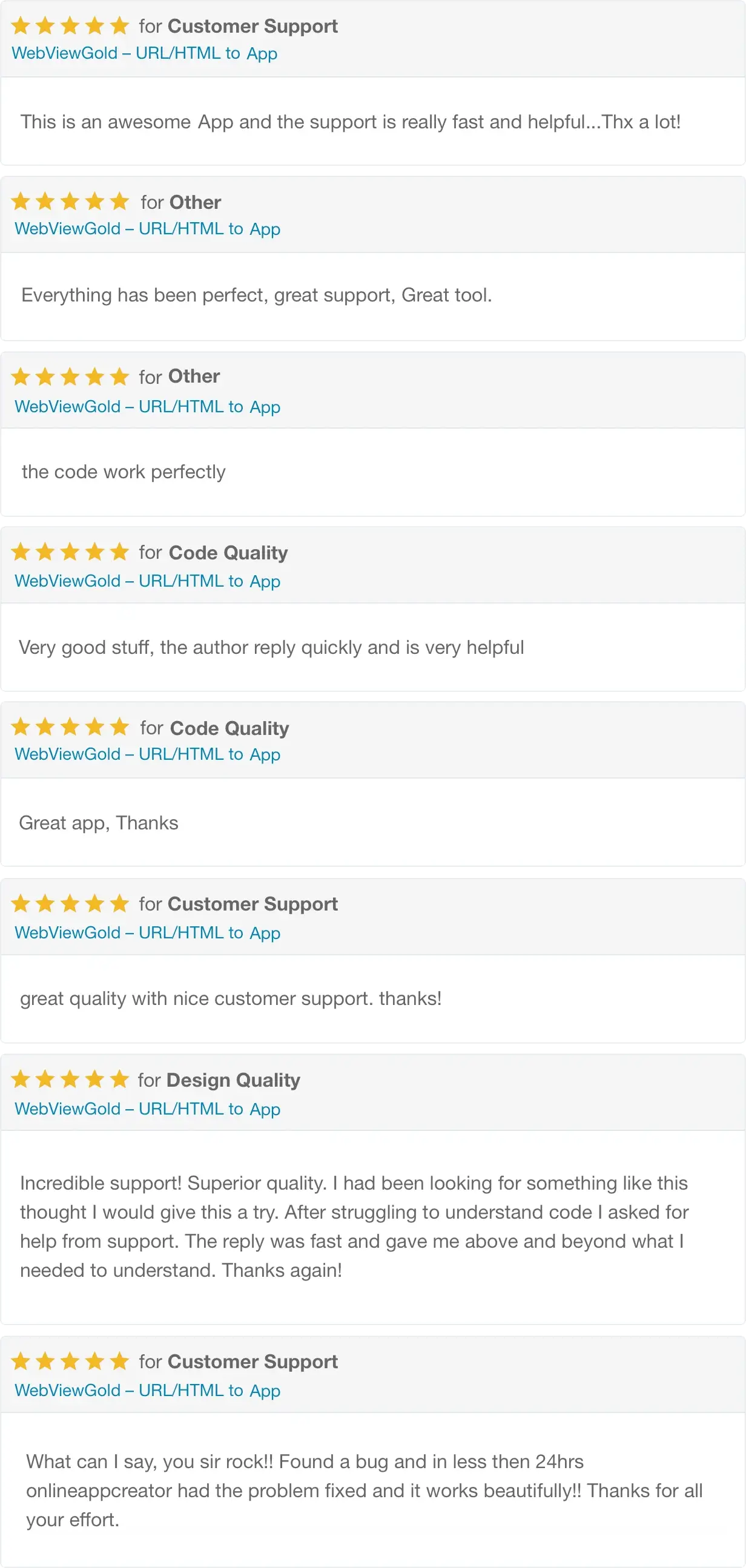
Read more FAQs | Read the user comments

© OnlineAppCreator.com
Changelog | Get WebViewGold for iOS | Support | Terms | Legal Disclosure