Description
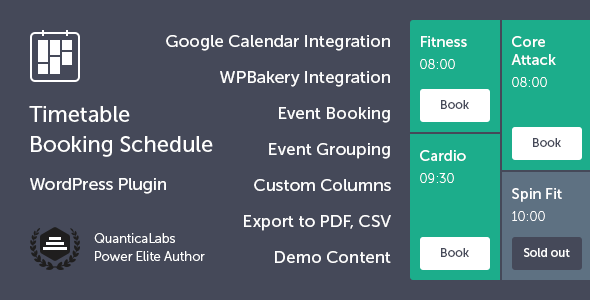
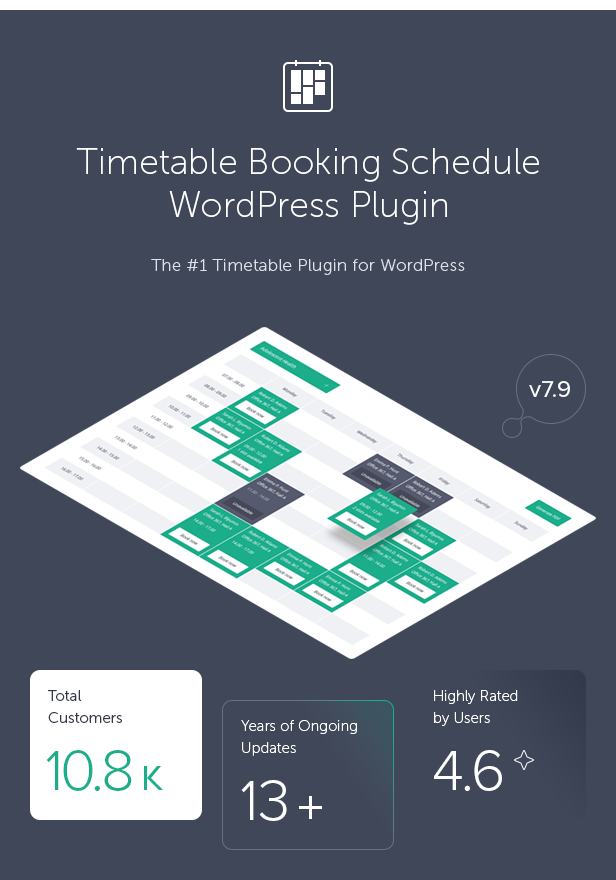
Timetable, the best-selling WordPress plugin for creating professional event schedules and managing online reservations. Users can easily book events directly from the timetable, while PDF export allows quick downloading of the entire schedule. Perfect for gyms, fitness classes, schools, conferences, medical clinics, nightlife events, workshops, and more.
Designed for businesses and organizations that manage classes, events, appointments, and bookings. Perfect for fitness clubs, yoga studios, dance schools, swimming pools, educational institutions, beauty salons, spas, workshops, and more. Ideal for both personal and commercial use, including online reservations, recurring activities, class schedules, and event management.
 Latest Version: 8 September 2026 – v8.0. Check the changelog


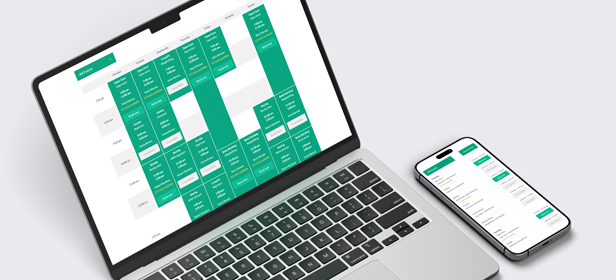
Responsive Layout
The Timetable plugin is fully responsive, ensuring that every element adapts seamlessly to any screen size. It works perfectly on desktops, tablets, and mobile devices.
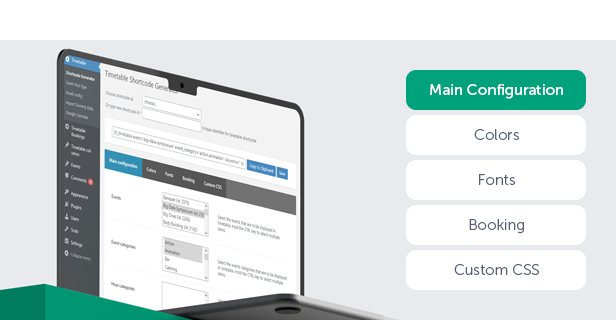
Timetable Generator
With Timetable’s shortcode generator, you can quickly create and customize professional timetables. Select events, categories, and columns, choose the preferred time format and event layout, and enable dropdown or tab-based filtering.
You can also define custom colors, Google Fonts, and custom CSS to match your branding or website style. Additional options allow you to control event visibility, booking functionality, and more.
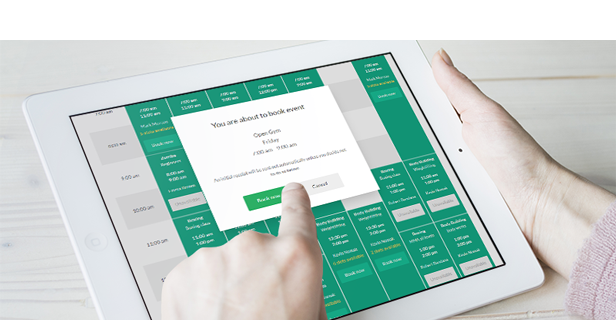
Built-In Booking
Timetable includes built-in booking functionality, allowing users to reserve spots for events directly from the timetable. Set the maximum number of available slots, control booking limits per user, and manage event availability with ease.
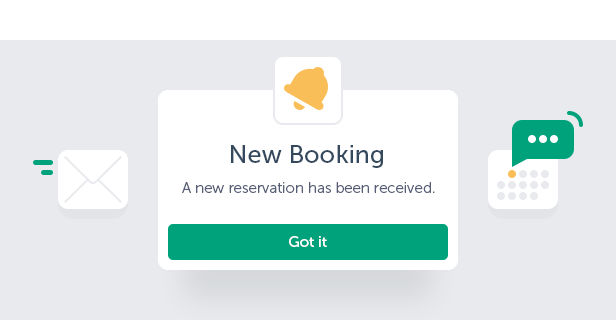
Custom Notifications
Create custom email notifications for admins and users, configure SMTP settings, and automatically send booking confirmations and cancellation notifications.
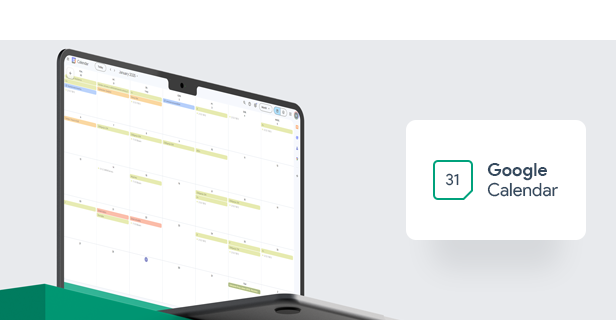
Google Calendar Integration
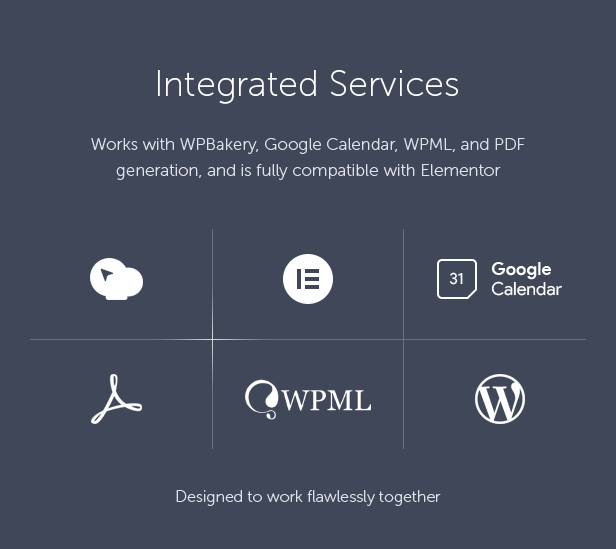
Integrate Timetable with Google Calendar to import and export events, synchronize schedules, and keep bookings and event hours up to date.
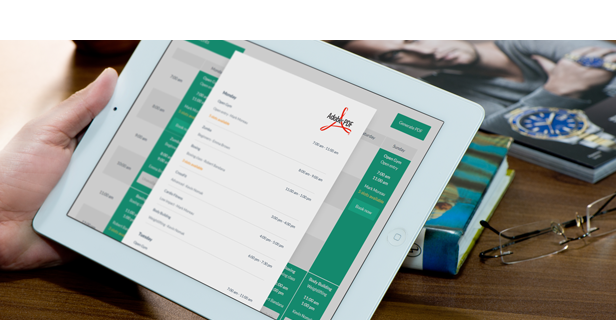
Export to PDF
Generate professional PDF versions of your timetable view with a single click. Easily print, share, or save schedules for attendees, clients, or staff members.
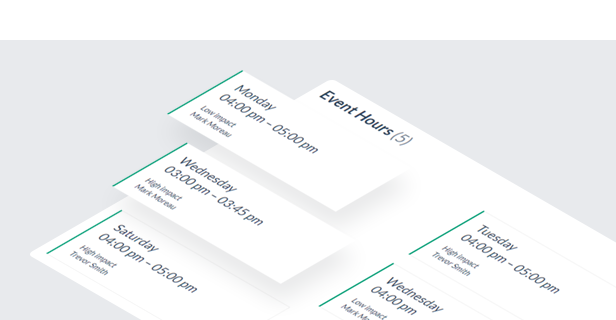
Event Manager & Occurrences
Create and manage events using dedicated custom post types. Use the event occurrences shortcode to display all scheduled occurrences of a selected event.
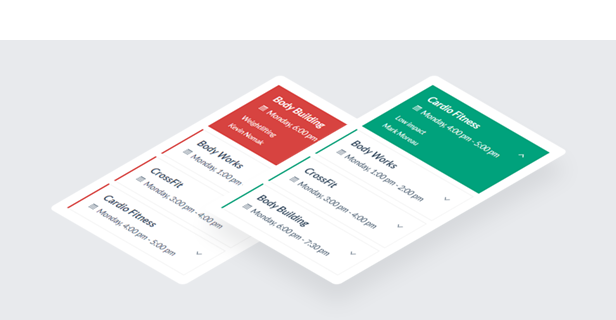
Upcoming Events
Use the built-in widget to display today’s events or upcoming events in a clean, scrollable list.
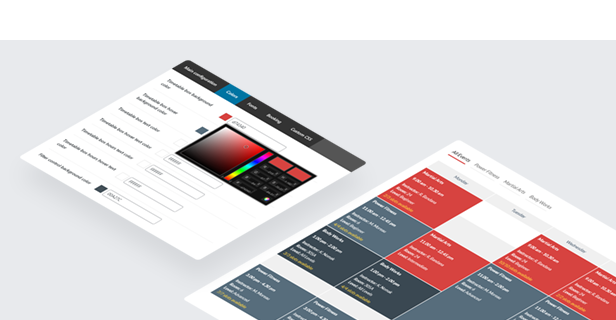
Fully Customizable
Customize the timetable, widgets, and single event pages independently to match your website design and branding.
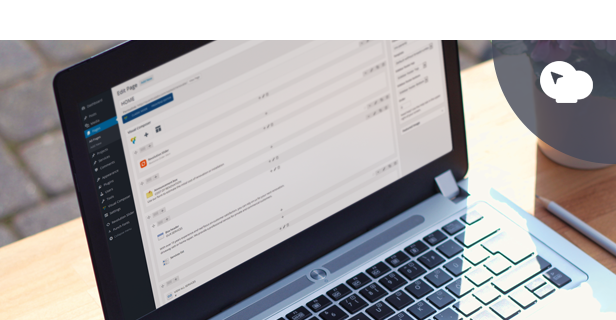
Integration with WPBakery Page Builder
Timetable integrates seamlessly with WPBakery Page Builder, allowing you to build and manage timetable layouts directly within the page builder interface.
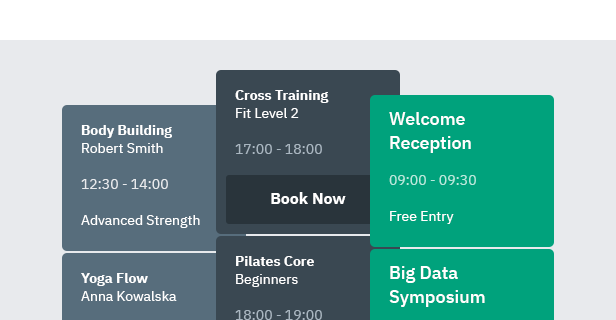
One-Click Demo Import
Import demo tables, widgets, and plugin settings with a single click to quickly recreate the demo content on your website.

Key Features of Timetable Booking Schedule for WordPress
- Easy-to-use timetable builder and shortcode generator.
- Fully responsive and mobile-friendly design.
- Multiple timetable display modes including table and list views.
- Multiple event block layouts.
- Flexible timetable intervals (15 minutes, 30 minutes, 1 hour).
- Built-in booking functionality with seat limits and booking restrictions per user.
- Guest booking support.
- Dedicated bookings management panel.
- Customizable booking popups and booking messages.
- Optional terms and conditions checkbox for bookings.
- Email notifications for bookings and cancellations.
- Custom email templates for admins and users.
- SMTP support for email notifications.
- PDF export for timetable views.
- Google Calendar integration with import and export support.
- CSV export for reservations.
- Unlimited timetables, events, and event occurrences.
- Built-in scrollable upcoming events widget.
- Dedicated shortcode for displaying event occurrences.
- Event grouping by time intervals.
- Customizable event tooltips.
- Dropdown and tab-based event filtering.
- Filtering by events or event categories.
- Customizable time formats.
- Custom colors, Google Fonts, and custom CSS support.
- Built-in color picker with individual event colors.
- Responsive mode customization options.
- WPBakery Page Builder integration.
- Compatible with Elementor.
- Fully functional without WPBakery installed.
- Custom timetable columns for days, rooms, trainers, locations, and more.
- RTL support.
- One-click demo importer with tables, widgets, and plugin settings.
- Valid HTML5 code.
- Cross-browser compatible.
- Documentation included.
This Item is Supported
Support is conducted through our Support Forum. We’re in GMT +1 and we aim to answer all questions within 24 hours on weekdays. In some cases, the waiting time may be extended to 48 hours. Support requests sent during weekends or public holidays will be processed on the next Monday or the next business day.
We Are Trusted by 125,000+ Customers
We are a team of passionate people with 20+ years of experience and 15+ years on Envato Market. We specialize in WordPress, design, and development. Please follow us to stay up to date as we continue to craft new products.