Description
wpDataTables is a powerful WordPress plugin for creating responsive tables, spreadsheets, and charts.
If you have any questions about pricing or your support period, feel free to get in touch with us. We’ll be happy to provide more details, help you explore available options, and share any current offers.






If you’d like to join our testers team, just reach out to us here and we’ll add you to the list. You’ll get early access to new features. Please note that this is available only to existing wpDataTables users.
Featured articles about wpDataTables
- WPKube – wpDataTables Plugin Review: Build Responsive Tables Quickly
- WPMayor – wpDataTables – a Plugin that Makes Tables in WordPress Easy
- WPLift – wpDataTables Review: Create Responsive Tables and Charts from a Range of Data Sources
- WPLift plugin listing
User reviews





Follow wpDataTables
Follow us on X
Instagram
Facebook
YouTube
Support
If you need help, we recommend checking our FAQ and documentation first. If you don’t find what you’re looking for, you can contact our support team through the contact page. We’re handling a high number of requests, so we appreciate your patience if replies take a bit longer.
Manual upgrade procedure (when a new version is released)
- Go to your FTP and open the WordPress plugins folder.
- Delete the old wpDataTables version folder.
- Upload the new version of wpDataTables.
- Go to the WP Admin panel and open the Plugins section.
- Deactivate wpDataTables, then activate it again.
Note: Do not delete the plugin from WP Admin if you want to keep your existing tables.
Minimum PHP version required
wpDataTables requires PHP version 7.4 or higher.
Changelog
We continuously improve wpDataTables with new features, enhancements, and bug fixes. View the changelog to see the full release history and latest updates.
Tutorials
- Installing and updating wpDataTables
- Creating a table from Excel with wpDataTables
- Creating a table in WordPress from MySQL with wpDataTables
- Creating an editable table in WordPress
Overview
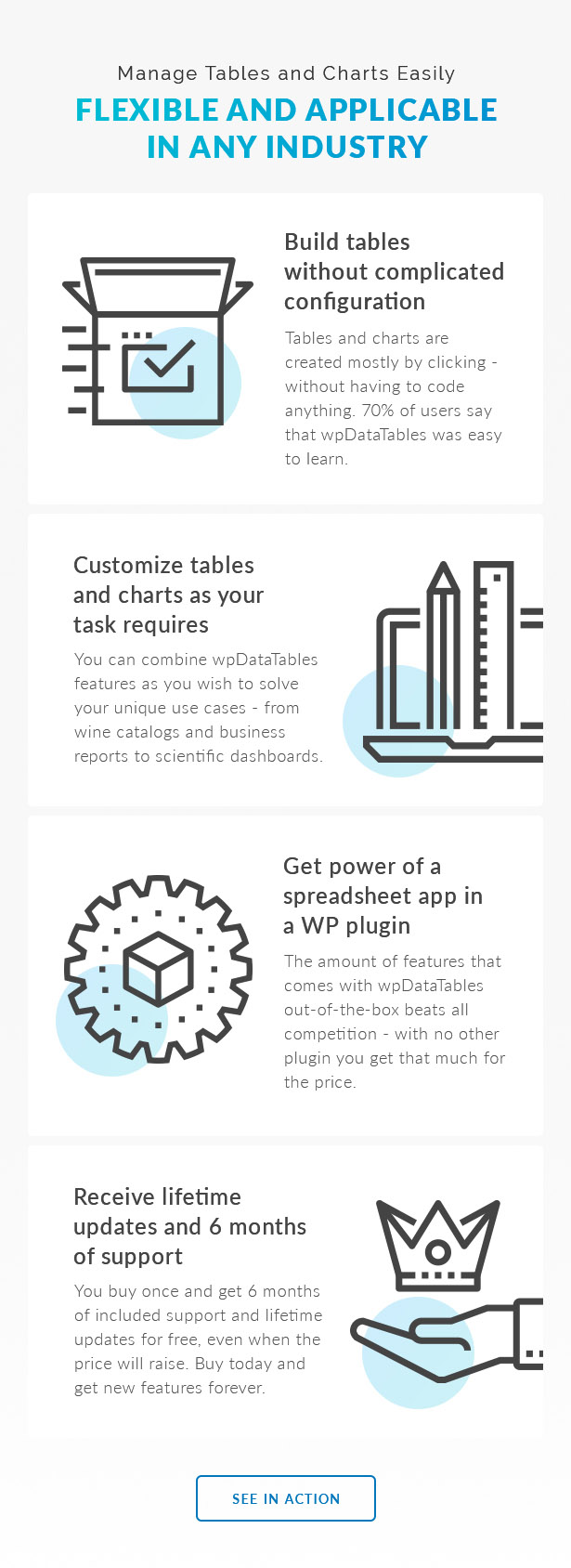
wpDataTables helps you create responsive tables and charts for your WordPress site. You can build dynamic tables, display them anywhere on your website, and allow users to edit data directly from the front end.
Explore all available features in the features overview.
Features
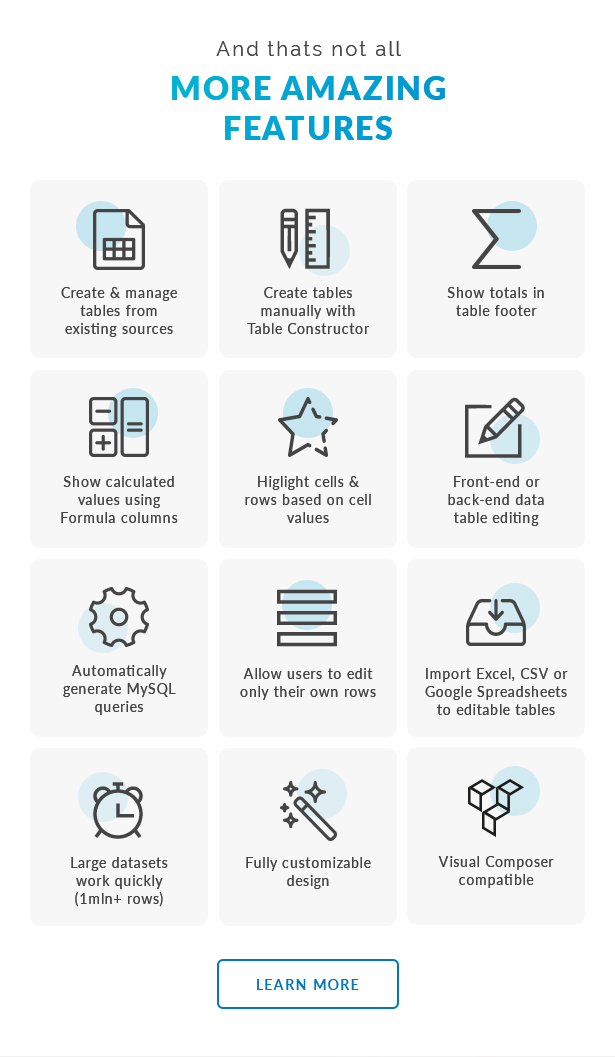
A short overview of what wpDataTables can do:
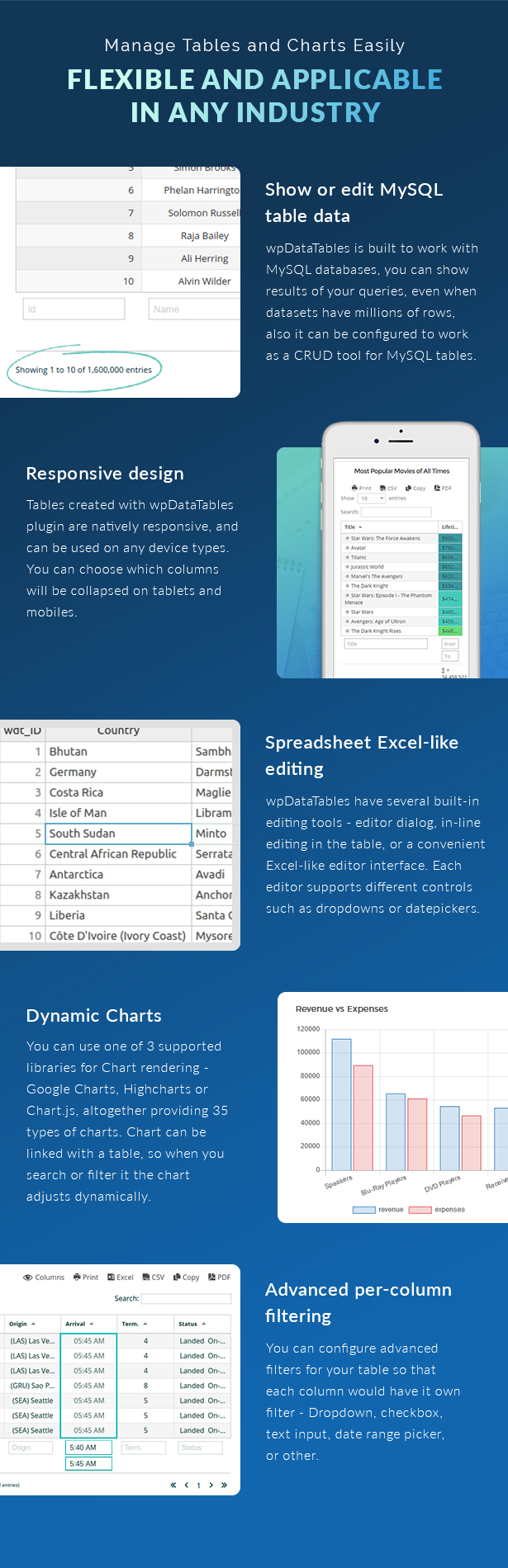
- Interactive front-end tables with filtering, sorting, and pagination powered by the DataTables library
- Server-side processing for MySQL-based tables
- Charts powered by Google Charts and Highcharts, synced with your table data
- Front-end editing for MySQL-based tables
- Table constructor for building tables from the back end
- MySQL query generator to build queries without coding
- WordPress DB query generator
- Create editable tables from Excel or CSV files
- Fully responsive tables
- Export options including PDF, CSV, Excel, and clipboard copy
- Row grouping for better data organization
- Multiple data sources including Google Sheets, MySQL, Excel, CSV, JSON, and XML
- Customizable column types including text, numbers, links, dates, and images
Documentation and examples
Browse the documentation to learn how wpDataTables works and explore different use cases. If you’d like to see it in action and try it yourself, visit our demo site.